Can AI Understand a Sung Melody? How AI Reads Voice Input for Songwriting
TL;DR: Yes, Lyric Genie reads your sung melody, but not the way a human co-writer would transcribe it. It analyzes the rhythm, pacing, emotional tone, and melodic contour of your voice to generate lyrics that feel consistent with what you sang. For precise syllable matching, you can ask explicitly — but the default output uses your melody as emotional and rhythmic guidance, not as a musical score.
If you’ve ever wondered what actually happens when you sing into an AI songwriting tool, you’re not alone. There’s a real difference between “it just converts my speech to text” and “it actually hears my melody.” Understanding exactly what the AI reads from your sung input makes you significantly better at using it.
Lyric Genie is a chat-based tool that transforms your song ideas into structured, professional lyrics ready for AI music generators like Suno. You can record voice messages in the chat to capture melody, emotion, and rhythm naturally. Just sing, hum, or describe what you want to express, and it creates complete verses, choruses, and style prompts in seconds.
What Lyric Genie Actually Hears When You Sing
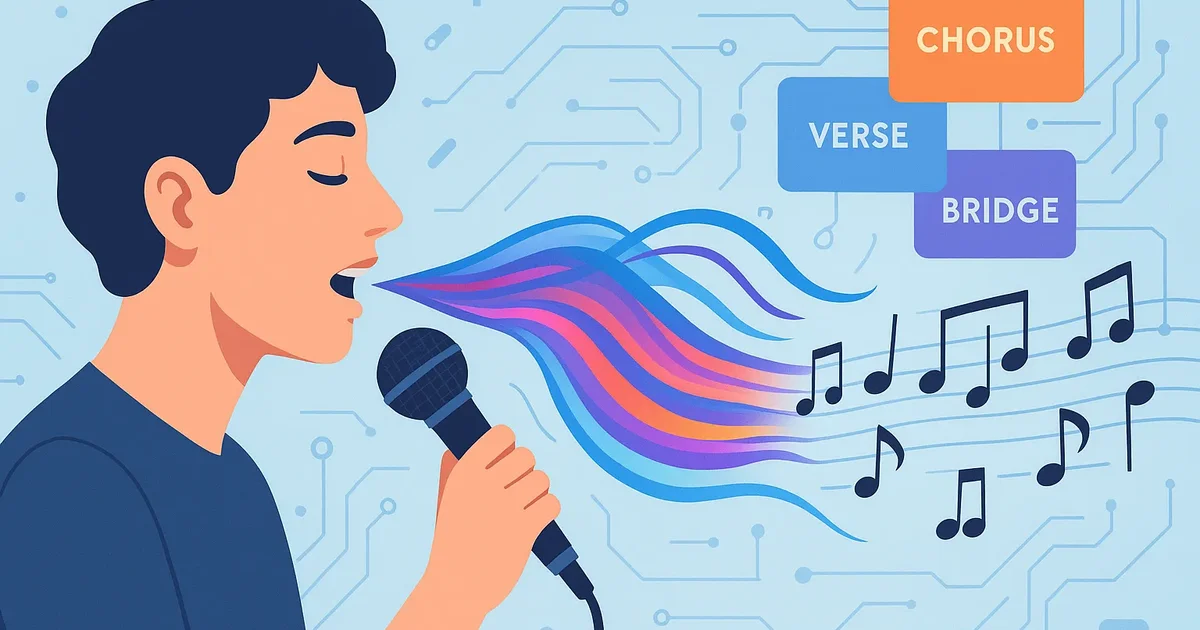
When you record a voice message and sing your melody, the AI analyzes several layers simultaneously:
The words, if any. If you’re singing with actual lyrics or lyric fragments, those are captured and used as the content foundation.
The rhythmic pattern. How long each phrase is, where the natural pauses fall, the overall speed — this influences the syllable density of the generated lyrics. A quick, punchy melodic phrase tends to produce shorter, snappier lyric lines. A longer, drawn-out phrase produces more expansive lines.
The melodic shape. Whether your melody climbs at the end of phrases (like a question) or resolves downward (like a statement), whether there’s a dramatic high point in the melody, whether it stays in a narrow range or leaps around — these contour cues shape the emotional arc and emphasis in the output.
The emotional tone. Singing quietly and tenderly carries different information than singing loudly and urgently, even if you’re humming the same notes. The vocal quality conveys emotional context the AI picks up and reflects in the lyrics.
What the AI Does Not Do
It’s worth being clear about the limits, because misunderstanding them leads to frustration.
It doesn’t transcribe your melody note-for-note. Lyric Genie is not Melodyne or a music notation app. It isn’t creating a MIDI file from your hum and then fitting lyrics to exact pitches. What it produces are lyrics whose rhythm and feel are informed by your sung melody, not locked to it.
It doesn’t automatically match syllable counts to your melody. Unless you ask explicitly, the generated lyrics won’t necessarily have the exact number of syllables per line that your melody requires. The default behavior is to approximate the rhythmic feel, not to count syllables precisely.
It doesn’t detect pitch. Lyric Genie isn’t analyzing whether you’re in key or what notes you’re singing. It’s reading the prosody of your voice — the rhythm, emphasis, and emotional quality — not the musical pitch structure.
How to Request Specific Syllable Matching
When you have a specific melody in mind and need lyrics to fit it, you can ask directly. The most effective approach:
Before recording, state your request: “I’m going to sing my melody. Please generate lyrics that match the syllable count of what I sing.”
Or describe the pattern you want: “My melody has about 8 syllables in each line of the verse, with a big pause after every 4 syllables. Please write verse lyrics in that structure.”
Or ask for specific line lengths after the first generation: “The chorus lines need to be shorter — about 6-7 syllables each, not 10-12. Can you rewrite the chorus to fit that count?”
You don’t need to know music theory to do this. Syllable counting is straightforward: “Sun-shine on my win-dow” is 6 syllables. If your melody can fit those 6 syllables comfortably, that’s the line length you want.
When Singing Produces Better Results Than Typing
For certain types of songs, singing your idea — even without words — produces noticeably better results than a typed description.
Songs with strong rhythmic identity. If your song has a specific groove or bounce — syncopation, a reggae-style rhythm, a waltz feel — that comes through much more clearly when you sing it than when you type “make it feel rhythmic.”
Songs where the emotional character is hard to describe. There’s a particular kind of bittersweet tenderness that’s very hard to put into words but very easy to convey in a voice. Singing the feeling produces lyrics that capture it directly.
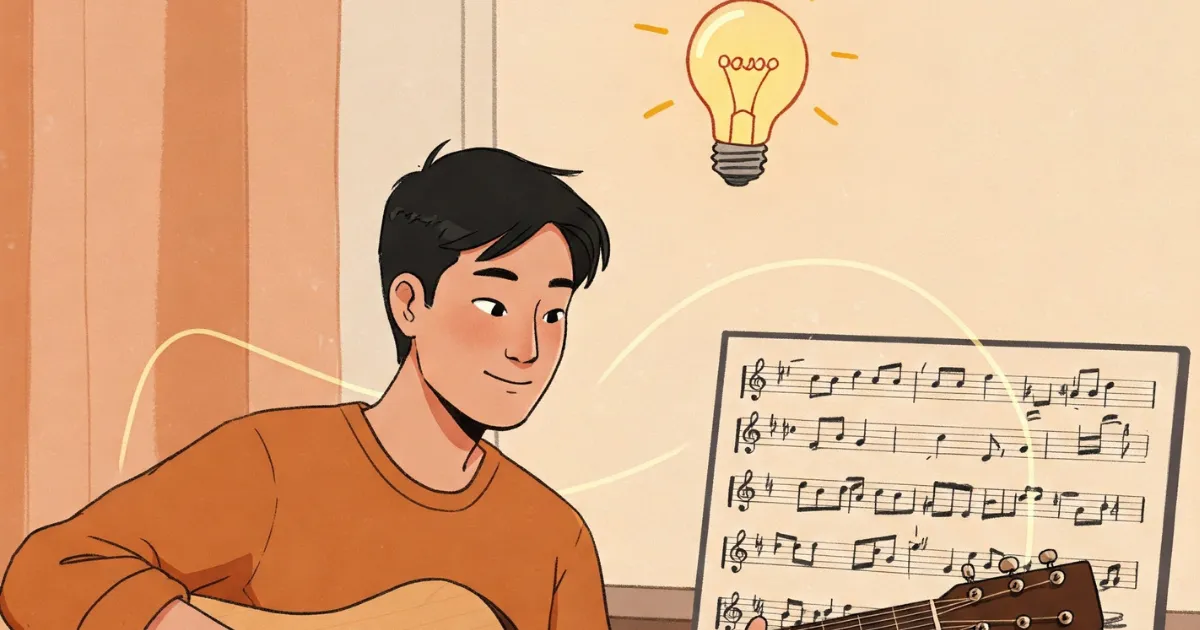
Songs inspired by a melody that came first. Many people hear the melody before the words. In those cases, singing the melody is the most natural starting point and gives the AI the clearest picture of what the song should feel like.
Songs in a specific genre with a strong rhythmic convention. Humming something that sounds like country ballad phrasing vs. hip-hop vocal patterns will produce structurally different lyrics even if the words you say are similar.
Tips for Better Results When Singing Your Idea
Sing with the emotional commitment of the finished song. If this is a sad song, let the sadness come through in your voice. If it should feel powerful and driving, sing it that way. The AI reads your vocal energy.
Hum the melody first, then describe what you want. A 10-second melody hum followed by a verbal description of the theme and emotion is often more effective than either alone.
Emphasize the rhythm clearly. If the rhythmic pattern matters, make the beat obvious when you sing. Clap or tap while humming if that helps you keep the rhythm steady.
State what the melody is supposed to do. “This melody is the chorus — it should feel like the emotional peak of the song” gives the AI useful context about where this section sits in the song structure.
After the First Generation: Fitting Lyrics to Your Actual Melody
Even with the best voice input, the first generation rarely matches a specific melody perfectly at the syllable level. That’s normal and easy to fix through iteration.
After you get your first draft:
- Try singing your melody with the generated lyrics. Note which lines are too long, too short, or where the emphasis falls on the wrong syllable.
- Return to the chat and describe specifically what needs to change: “Line 3 in the chorus is too long — it doesn’t fit the melody. I need about 8 syllables there, not 12.”
- Repeat for each section that doesn’t fit.
This iterative process takes a few rounds but produces lyrics that feel genuinely written for your melody. For general guidance on flow and rhythm issues, see the post on fixing lyrics that don’t flow.